Start here
Use the main Search page to browse tunes A–Z, filter by metadata, and open tune pages.


Visual tools
Use visual exploration pages to discover patterns, clusters, and relationships in the tune collection.

Tune Metadata Galaxy
Open pageA network-style view of metadata such as key, rhythm, meter, origin, and complexity. Click nodes to filter the tune list.

Song Galaxy (UMAP)
Open pageTunes positioned by harmonic similarity. Zoom in to see clusters and compare tunes with similar chord vocabularies.

Chord Co-Occurrence Network
Open pageSee which chords commonly appear together across the library. Use search and filtering to declutter the view.
Statistics
High-level distributions and exploratory charts for understanding patterns across the collection.

Motif Finder (n-grams)
Open pageReveal common harmonic motifs such as V–I and I–IV–V, and compare how different tune types build phrases.

Song Metadata Stats
Open pageChoose a dataset such as key, meter, rhythm, origin, or complexity. Click a bar to open the filtered tune list.

Chord Complexity
Open pageShows how many unique chords tunes use. Lower counts usually indicate simpler harmonic language.
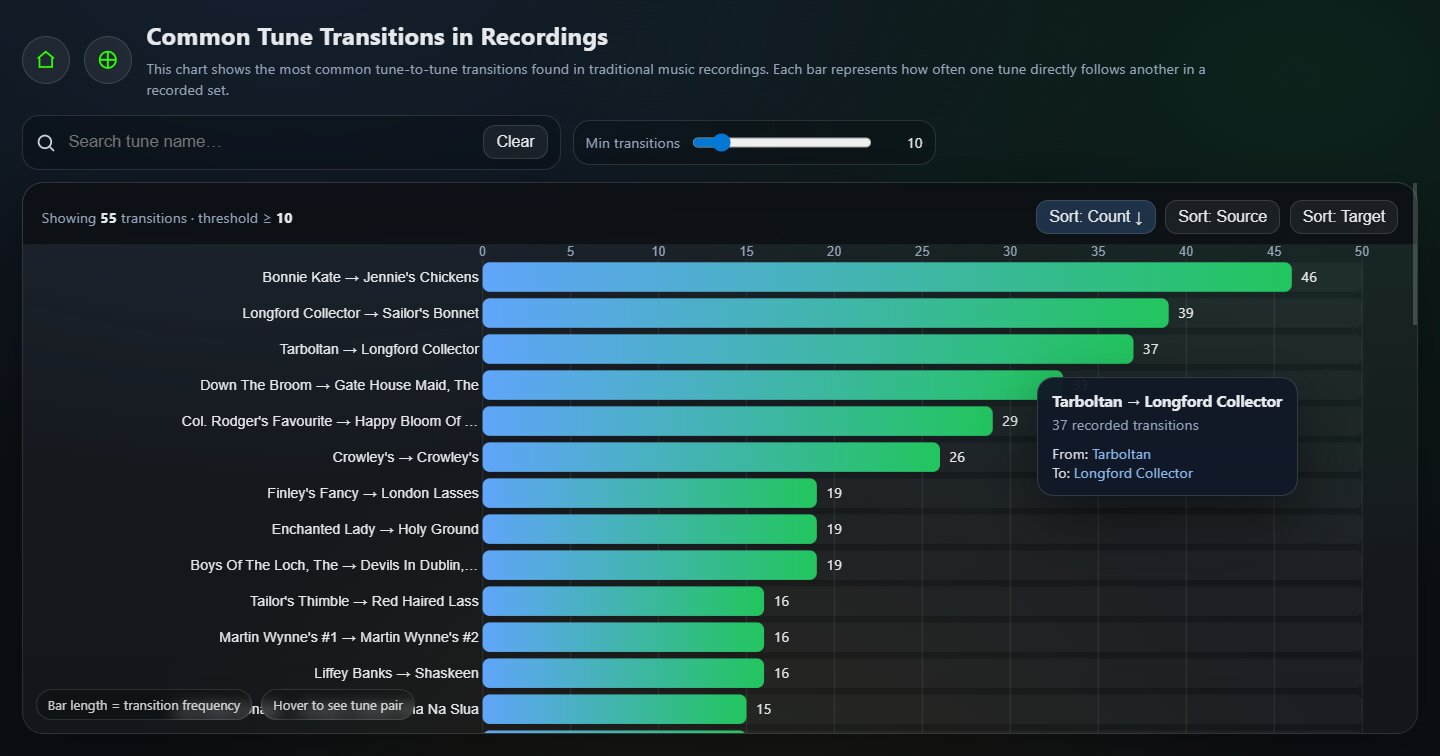
Recording Transitions
Open pageShows the most common tune-to-tune transitions found in recordings from TheSession.org. Each bar represents how often one tune directly follows another in a recorded sequence.
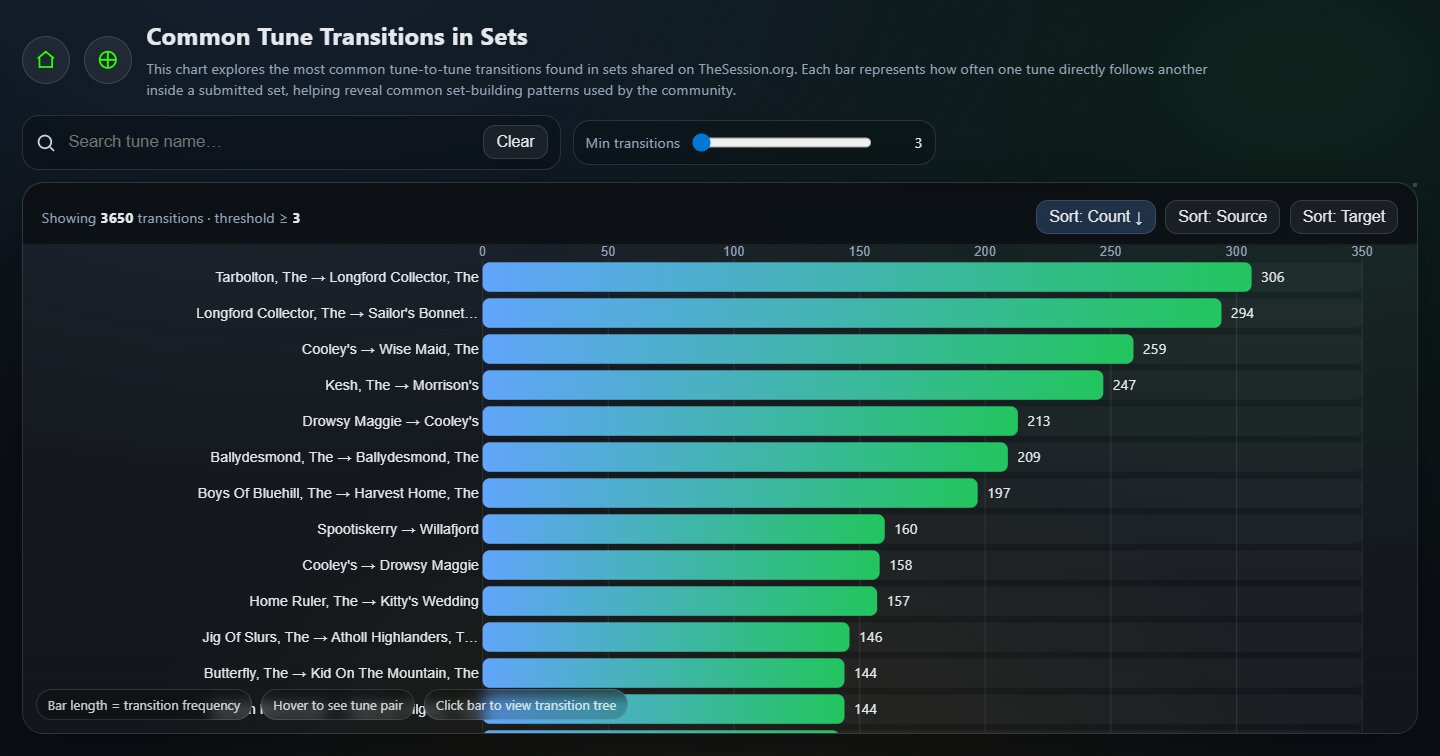
Set Transitions
Open pageShows the most common tune-to-tune transitions found in sets shared on TheSession.org. Useful for spotting common session pairings and set-building habits.
Search trees
Interactive drill-down trees. Click a node to continue exploring from that point or open related tunes.

Origin → Complexity
Open pageStart from geographic origin, then drill into difficulty bands to find tunes for your level.

Origin → Rhythm
Open pageSee the rhythms most associated with each origin and click through to the matching tunes.

Rhythm → Key
Open pageStart with a rhythm such as reel or jig, then explore the keys most commonly associated with it.

Rhythm → Complexity
Open pageGreat for exploring which rhythms tend to be simpler or more harmonically involved.

Key → Meter
Open pageStart with a key, then drill into time signatures and meters.

Meter → Key
Open pageStart with a time signature such as 6/8, then see which keys are most common for that meter.

Key → Rhythm
Open pageStart from a key and see which rhythms appear most often within it.

Complexity → Key
Open pageStart from a difficulty band and explore the keys commonly found at that level.

Complexity → Meter
Open pageStart from a difficulty band and explore which meters are most common there.
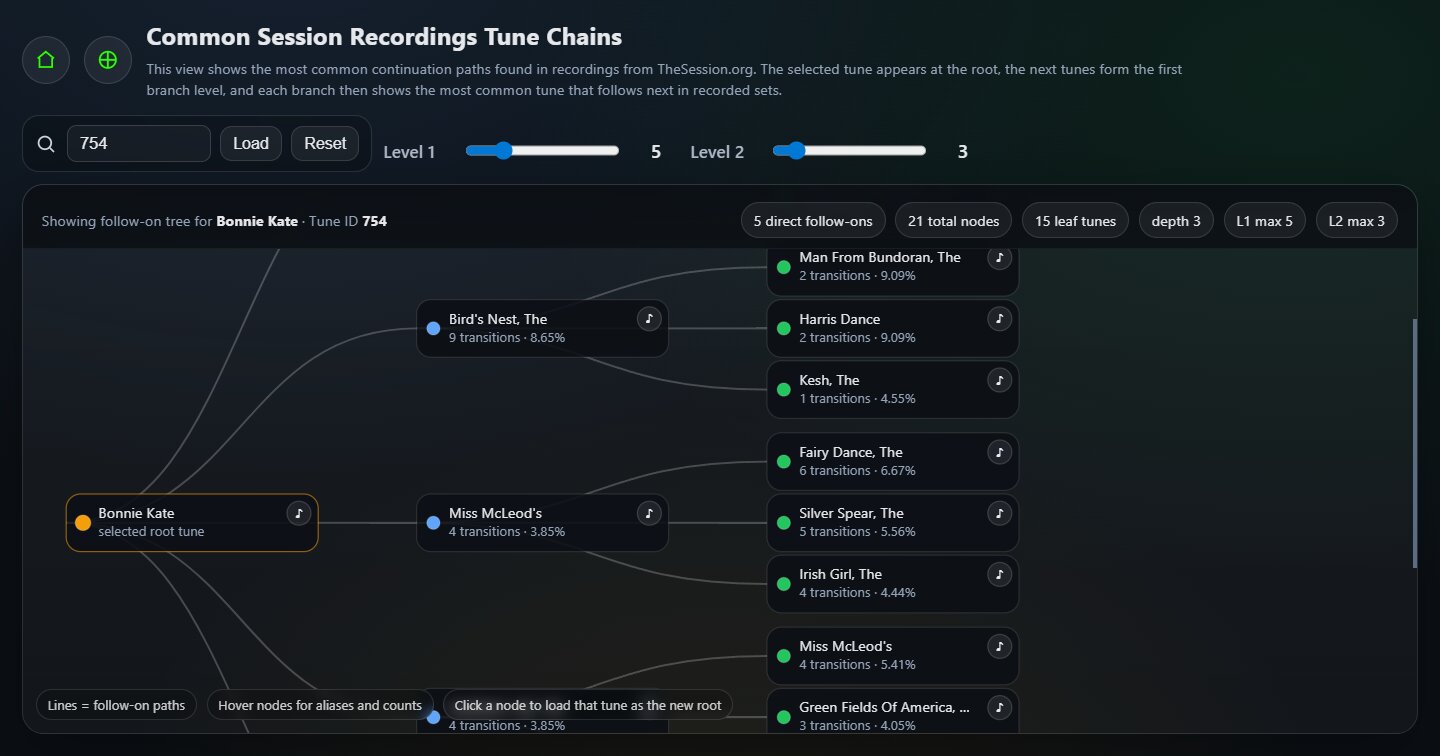
Recording Follow-On Tree
Open pageStarting from a chosen tune, this tree shows which tunes most commonly follow it in recordings. Great for exploring recorded set flow and likely next-tune options.
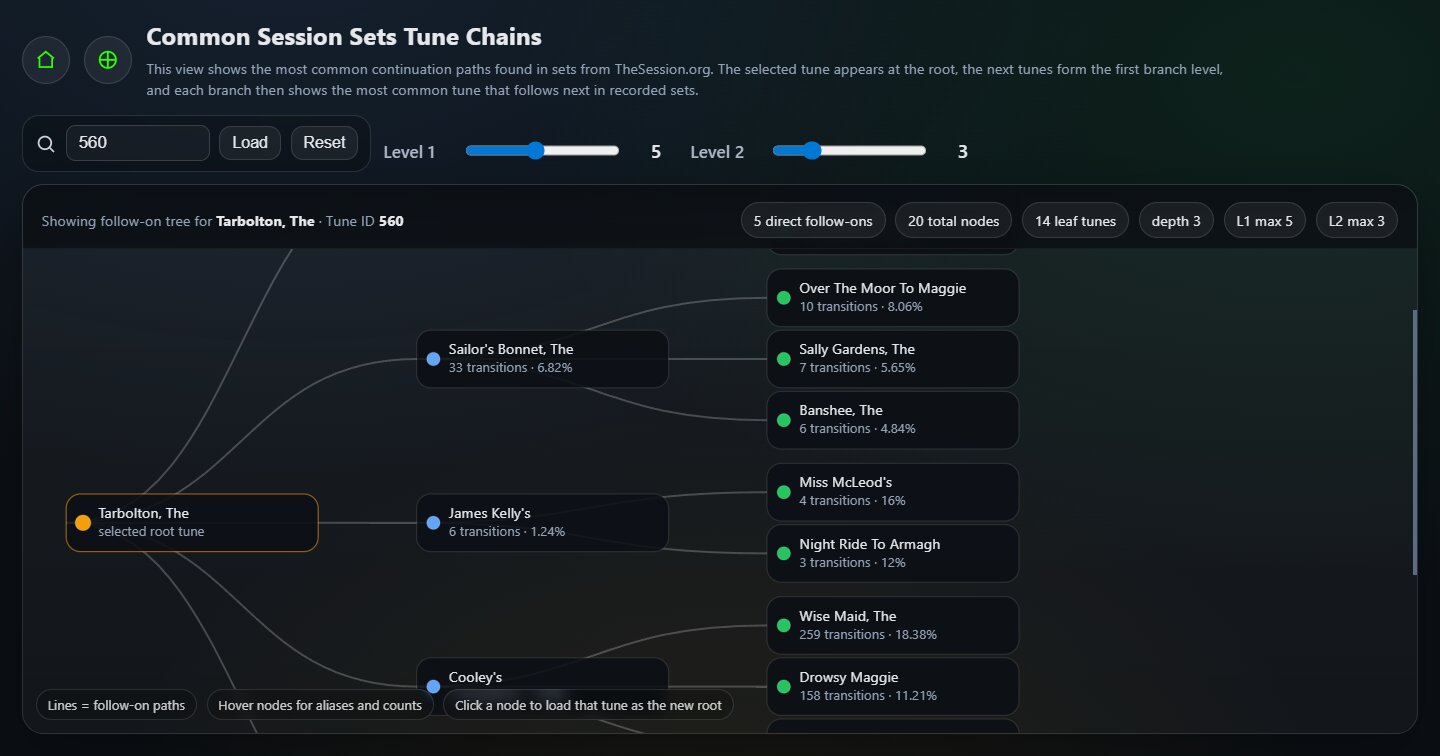
Set Follow-On Tree
Open pageStarting from a chosen tune, this tree shows which tunes most commonly follow it in shared sets. It is especially useful for practical set-building and discovering new follow-on choices.
Sankey charts
Tools focused on flow of data, such as chord transitions and source distribution.

Chord → Chord (Sankey)
Open pageThickness shows how often one chord moves to another. Useful for seeing common progressions by rhythm.

Source → Rhythm (Sankey)
Open pageShows how different sources contribute to different tune types such as reels, jigs, and hornpipes.
/assets/og/. The four filenames used here are:
og-recording-transitions.jpg,
og-set-transitions.jpg,
og-recording-followon-tree.jpg,
og-set-followon-tree.jpg.